Team inbox
Authorized teammates can handle Instagram Direct without sharing the account password.
Connect a professional Instagram account through Meta’s official flow and handle direct messages from the same inbox your team uses.
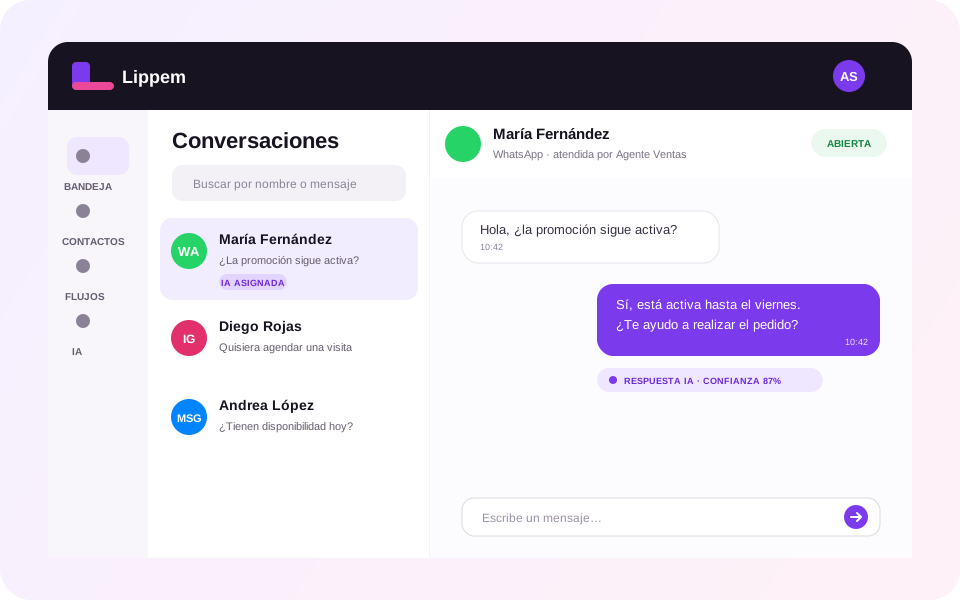
When Instagram becomes a sales channel, replying from one mobile account makes ownership and continuity difficult. Lippem moves direct messages into a workspace with history, status, and follow-up.
Authorized teammates can handle Instagram Direct without sharing the account password.
Review history before replying and preserve continuity when ownership changes.
Use business knowledge and response confidence to automate within defined boundaries.
Classify, assign, and trigger next steps from messages received by the professional account.
Lippem opens Instagram Login so authorization happens in Instagram’s official flow.
Choose the professional Instagram account and grant only the permissions required for messaging.
Lippem validates access and registers webhooks to receive user-initiated messages in the shared inbox.
Yes. Messaging integration requires a professional Instagram account.
No. Authorization uses Instagram Login, and Lippem does not request or store the Instagram password.
Not in V1. The approved scope is Instagram Direct; social publishing remains outside production.