Shared inbox
Centralize Messenger conversations so the team works with statuses and ownership.
Connect your Facebook Page conversations through Meta’s official flow and give them ownership, context, and follow-up inside Lippem.
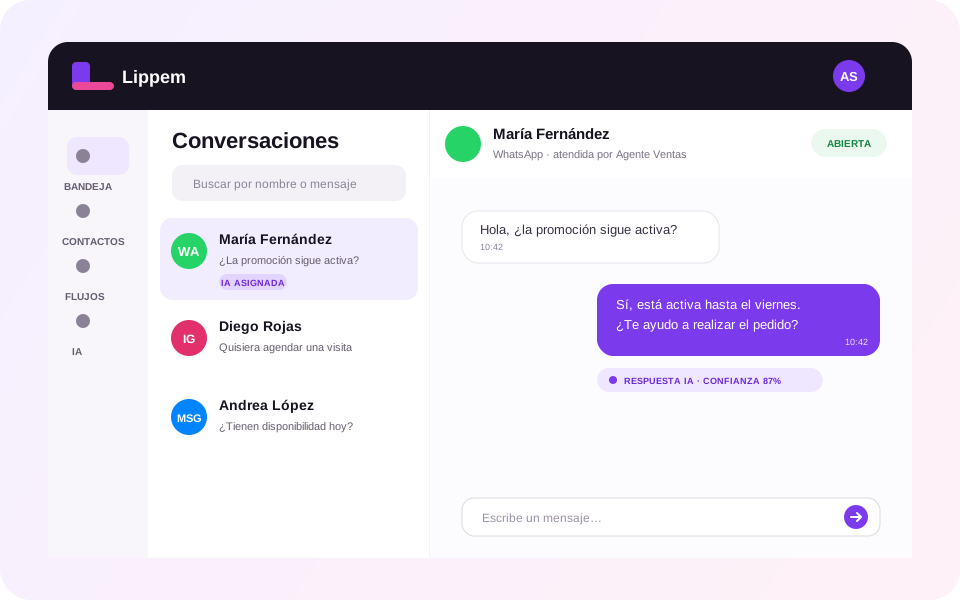
Page messages can become scattered across administrators and notifications. Lippem brings them into the same sales process your team uses for other Meta channels.
Centralize Messenger conversations so the team works with statuses and ownership.
Route each contact to the right teammate or AI agent and keep the next owner visible.
AI agents can check the knowledge base before answering and escalate when confidence is low.
Keep messages and actions available to review service and improve operational rules.
Authorization is completed in Meta’s official flow from Lippem.
Choose the business and Facebook Page the workspace is authorized to operate.
Lippem validates permissions, subscribes webhooks, and displays conversations in the inbox.
Yes. The integration operates conversations associated with an authorized Page through Meta.
No. The connection uses the official authorization flow, and the team then works through individual Lippem users.
Not in V1. The initial scope covers Messenger; content publishing remains outside production.